Skybrick Expedition
3D parkour across floating weather stations, with bridges to repair.
Skybrick Expedition
- Mouse or keyboard
- Landscape
- Saves on this device
Concept art · The game loads when you press Play.
- Parkour
- 3D
- Single player
- Anime-inspired
How to play
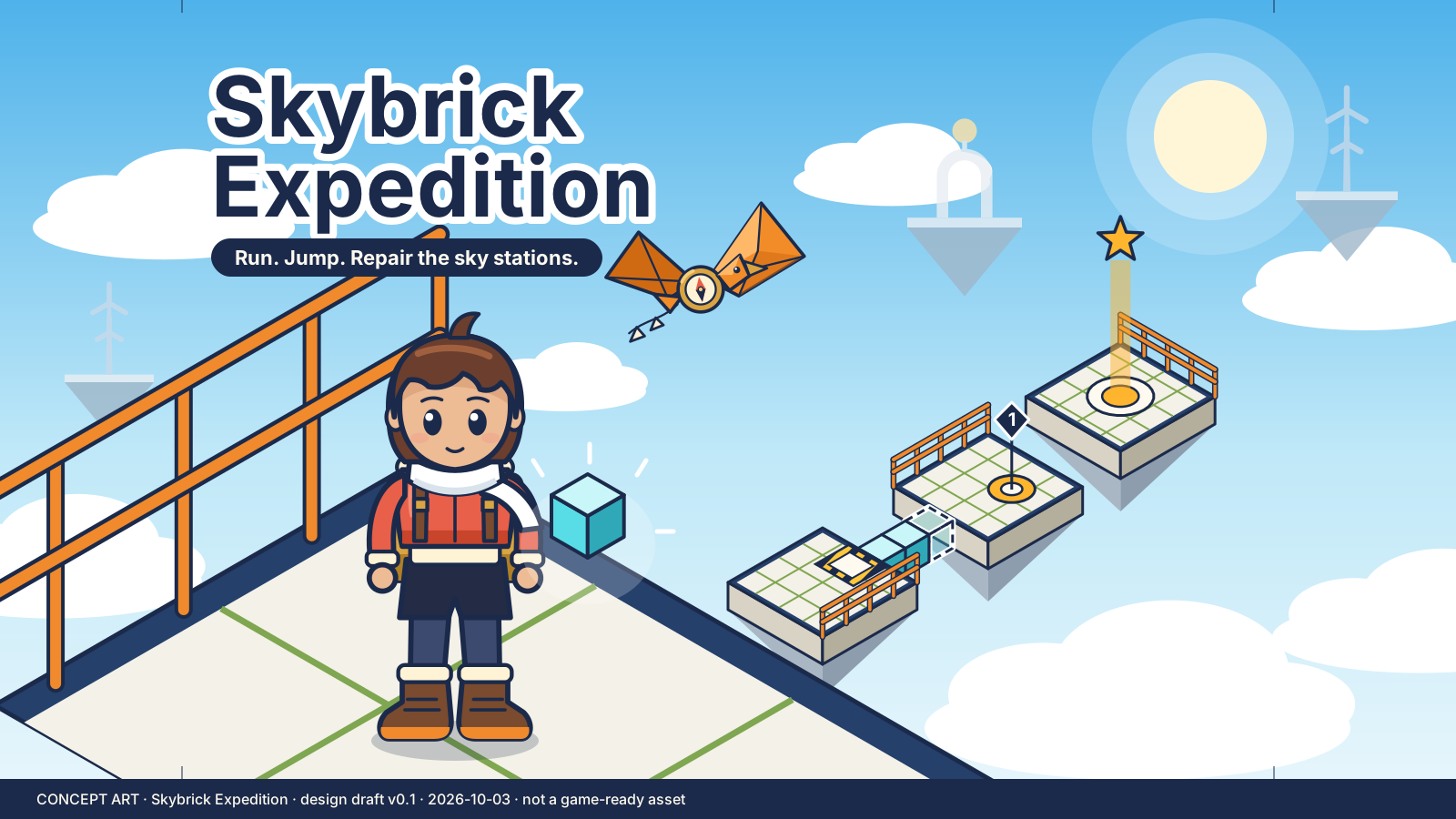
Ari jumps between sky platforms, activates relays in order and fits repair bricks into marked sockets to rebuild broken walkways. Eight courses, no combat.
- Walk toward the numbered relay marker.
- Jump between platforms and land fully.
- Stand on each relay pad, in order.
- At a repair pad, enter Build and place bricks in the outlined sockets.
- Reach the final beacon.
Controls
| Action | Keyboard | Mouse or touch |
|---|---|---|
| Move | WASD | Left joystick |
| Look | Hold right mouse and drag, or arrow keys | Swipe the right half |
| Jump / Sprint | Space / Shift | Jump button / Sprint toggle |
| Build mode, place, remove | E, left click, Q | Build, Place, Remove buttons |
| Recover / Pause | R / P or Esc | Recover / Pause buttons |
Use P to pause or explicitly resume, M for sound, and F for optional fullscreen. Tab moves between buttons. Game keys work inside the player.
Devices and saving
- Input
- Touch controls included; physical-device testing is still in progress
- Orientation
- Landscape. Turn a portrait device sideways to play.
- Session
- 2–6 minutes per course.
- Graphics
- A current browser with hardware-accelerated WebGL 2. No plug-in or game-specific driver installation.
- Saves
- Course unlocks, best results and settings are stored on this device. Reloading starts the course again. Clearing site data removes it; it does not move between devices.
- Compatibility
- Checked in a desktop Chromium browser. Physical phone, tablet and broader browser testing is still in progress.
If storage is blocked, the game remains playable and shows “Progress is temporary in this session.” More about saving.
If something goes wrong
Use Retry if a download fails. If graphics cannot start, the rules and controls on this page remain available. Leaving the player or switching tabs pauses local play. Read troubleshooting help.
For a quieter session, mute sound, enable reduced motion in Settings and pause or exit when you are finished. The game is loaded only after Play.
Credits and updates
An original DroidAU Games game. The poster is concept art, not a gameplay screenshot.
We are improving these games from play feedback. Progress and personal bests are saved only on this device.