Runegrid Atelier
Place cloth pieces, then choose whether the loom clears rows or columns.
Runegrid Atelier
- Mouse or keyboard
- Any orientation
- Saves on this device
Concept art · The game loads when you press Play.
- Puzzle
- 2D
- Single player
- Anime-inspired
How to play
Restore festival banners on an enchanted 8×8 loom. A full line in the other direction stays stored until a later placement in that direction. Eight untimed, hand-made challenges.
- Choose a challenge. Its card shows the goal, the move allowance and the starting shuttle direction.
- Pick one of the three pieces in the tray. Rotate it if you like.
- Set the shuttle to Horizontal or Vertical. Switching is free and clears nothing by itself.
- Place the piece on empty cells. Only full lines in the chosen direction clear.
- A full line in the other direction stays “stored” until a later placement in that direction.
- Meet the goal before you run out of moves. Replay uses the same board and pieces.
Horizontal clears full rows. Vertical clears full columns. Switching the shuttle clears nothing by itself. Clearing one direction may remove a shared square from a line stored in the other.
Passing a contract unlocks the next. Retry, Next contract and Contracts never advance you automatically. The first guided contract can earn at most Silver; replay without the guide to try for Gold.
Controls
Select a piece, choose its position, then press Place. Tapping the board only previews your move.
| Action | Keyboard | Mouse or touch |
|---|---|---|
| Select a piece | 1 / 2 / 3 | Tap a tray slot |
| Move the placement | Arrow keys | Tap a board cell (or drag the piece) |
| Rotate | R | Rotate button |
| Shuttle direction | H / V | Horizontal / Vertical toggle |
| Place | Enter | Place button |
| Undo (once per attempt) | U | Undo button |
| Cancel selection / pause | Esc, P | Pause button |
Use P to pause or explicitly resume, M for sound, and F for optional fullscreen. Tab moves between buttons. Game keys work inside the player.
Devices and saving
- Input
- Mouse or full keyboard controls; touch controls await real-device testing.
- Orientation
- Portrait or landscape.
- Session
- 1–5 minutes per challenge, untimed.
- Graphics
- A current browser with hardware-accelerated WebGL 2. No plug-in or game-specific driver installation.
- Saves
- Solved challenges, medals and one resumable attempt are stored in this browser on this device. Clearing site data removes it; it does not move between devices.
- Compatibility
- Checked in a desktop Chromium browser. Physical phone, tablet and broader browser testing is still in progress.
If storage is blocked, the game remains playable and shows “Progress is temporary in this session.” More about saving.
If something goes wrong
Use Retry if a download fails. If graphics cannot start, the rules and controls on this page remain available. Leaving the player or switching tabs pauses local play. Read troubleshooting help.
For a quieter session, mute sound, enable reduced motion in Settings and pause or exit when you are finished. The game is loaded only after Play.
Credits and updates
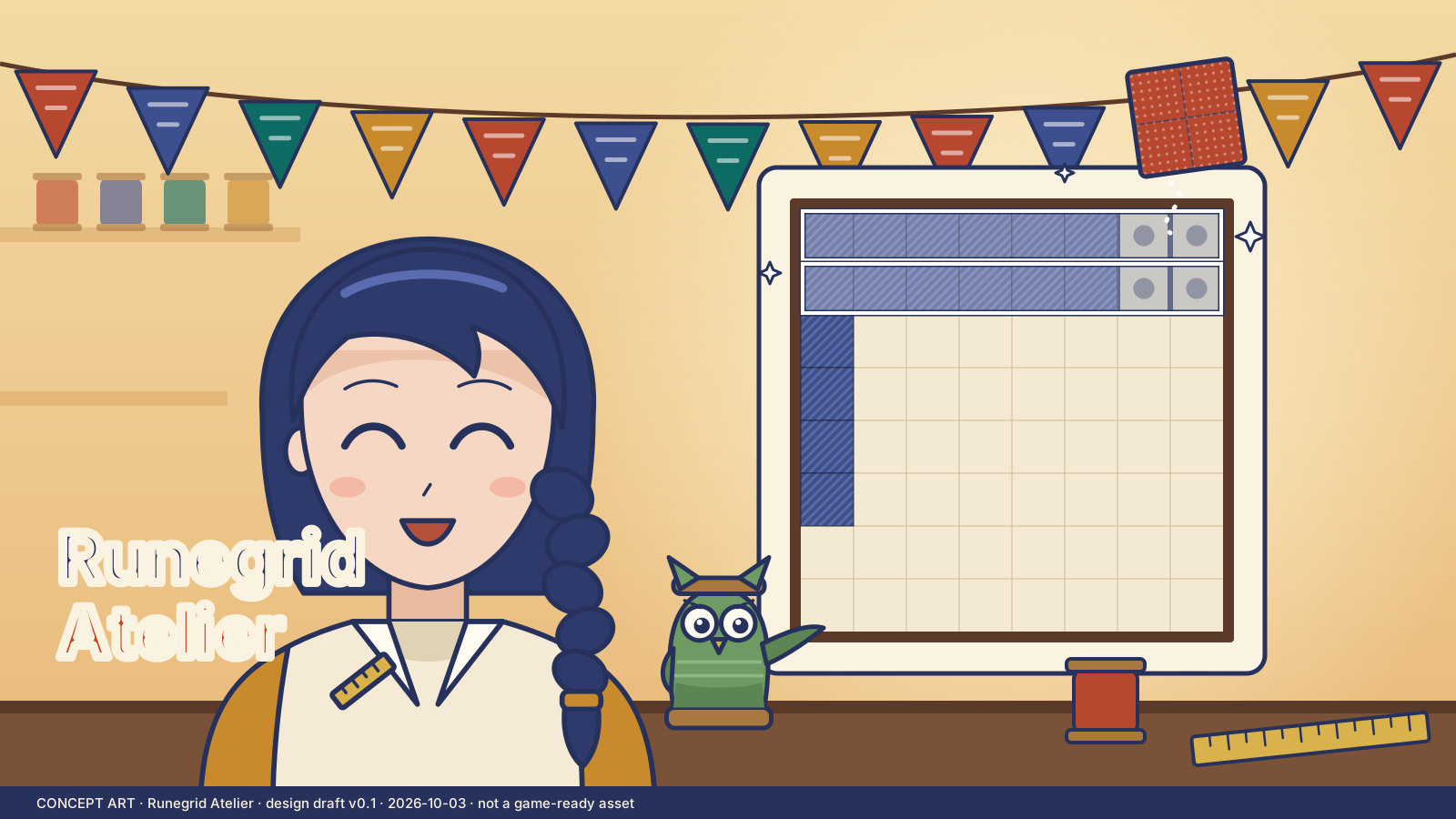
An original DroidAU Games game. Concept art shows Iona, the banner maker, and Moss, her felt-owl helper. The poster is concept art, not a gameplay screenshot.
We are improving these games from play feedback. Progress and personal bests are saved only on this device.