Funward General
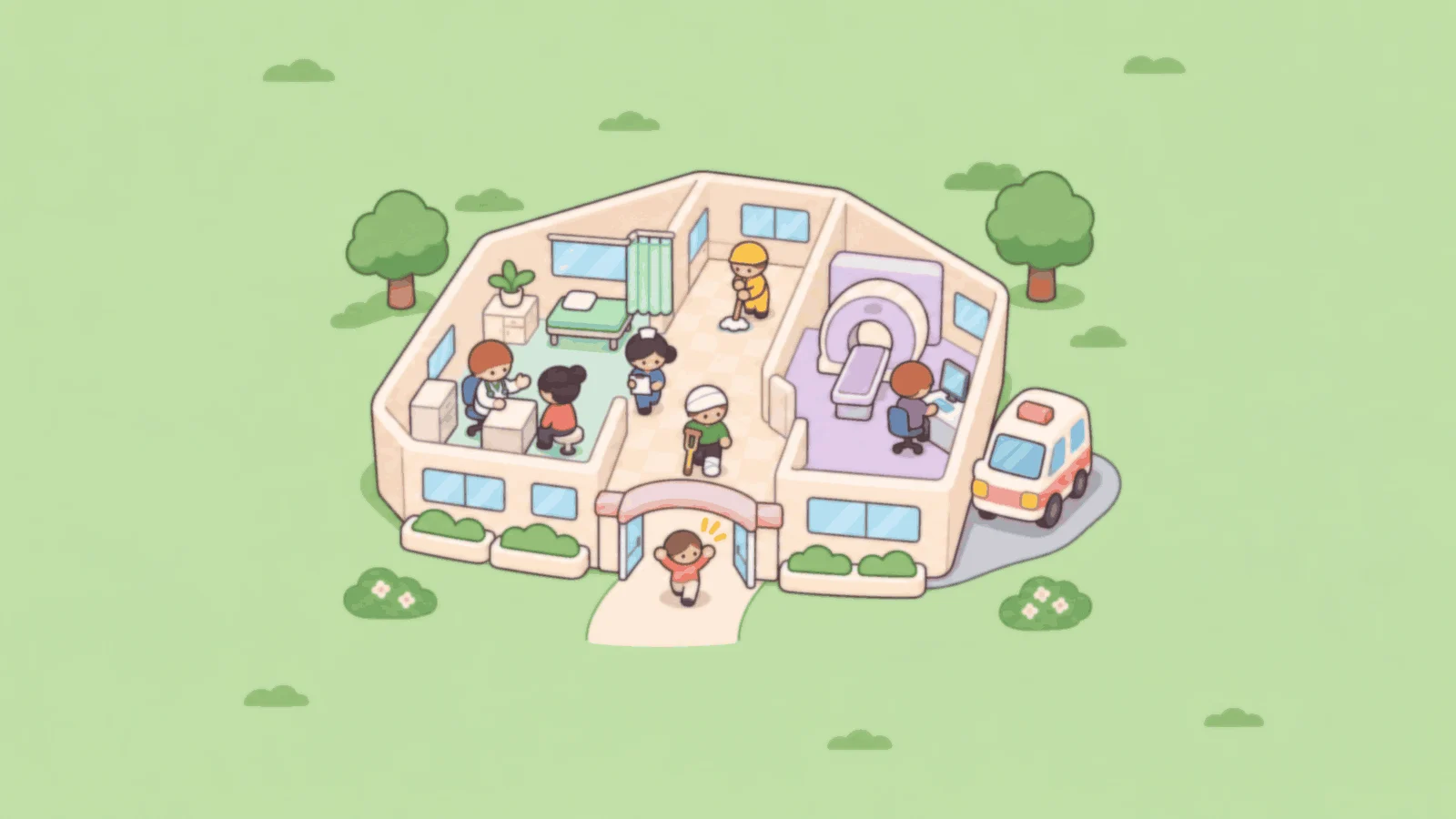
Treat more than thirty everyday conditions across six hospitals, or flip the Made-up mode switch for silly illnesses and impossible machines. Funward General is a game. It is not medical advice.
Funward General
- Touch, mouse or keyboard
- Landscape
- Saves on this device
Concept art · The game loads when you press Play.
- Management
- 3D
- Single player
High scores
How to play
Treat more than thirty everyday conditions across six hospitals, or flip the Made-up mode switch for silly illnesses and impossible machines.
- Cure patients, grow the hospital's reputation and keep the money healthy to earn a bronze, silver or gold medal in each hospital.
Funward General beginner tips
- Drag to move the view. Scroll or pinch to zoom.
- Click or tap to select. Drag out blocks of floor to shape a room.
- Use 1, 2, 3 and Space to change the speed.
Controls
| Action | Keyboard | Mouse or touch |
|---|---|---|
| Move the view | — | Drag |
| Zoom | — | Scroll or pinch |
| Select | — | Click or tap |
| Shape a room | — | Drag out blocks of floor |
| Change the speed | 1, 2, 3 and Space | Speed buttons |
Use P to pause or explicitly resume, M for sound, and F for optional fullscreen. Tab moves between buttons. Game keys work inside the player.
Devices and saving
- Input
- Desktop and tablet, landscape, 960 × 600 or larger. Mouse or touch.
- Orientation
- Landscape. Turn a portrait device sideways to play.
- Session
- Six hospitals with a save at the end of every game day.
- Graphics
- A current browser with hardware-accelerated WebGL 2. No plug-in or game-specific driver installation.
- Saves
- Saved on this device at the end of every game day. No account. Clearing site data removes it; it does not move between devices.
- Compatibility
- Checked in a desktop Chromium browser. Physical phone, tablet and broader browser testing is still in progress.
If storage is blocked, the game remains playable and shows “Progress is temporary in this session.” More about saving.
If something goes wrong
Use Retry if a download fails. If graphics cannot start, the rules and controls on this page remain available. Leaving the player or switching tabs pauses local play. Read troubleshooting help.
For a quieter session, mute sound, enable reduced motion in Settings and pause or exit when you are finished. The game is loaded only after Play.
Credits and updates
An original DroidAU Games game. The poster is concept art, not a gameplay screenshot.
We are improving these games from play feedback. Progress and personal bests are saved only on this device.