Spark Circuit Arena
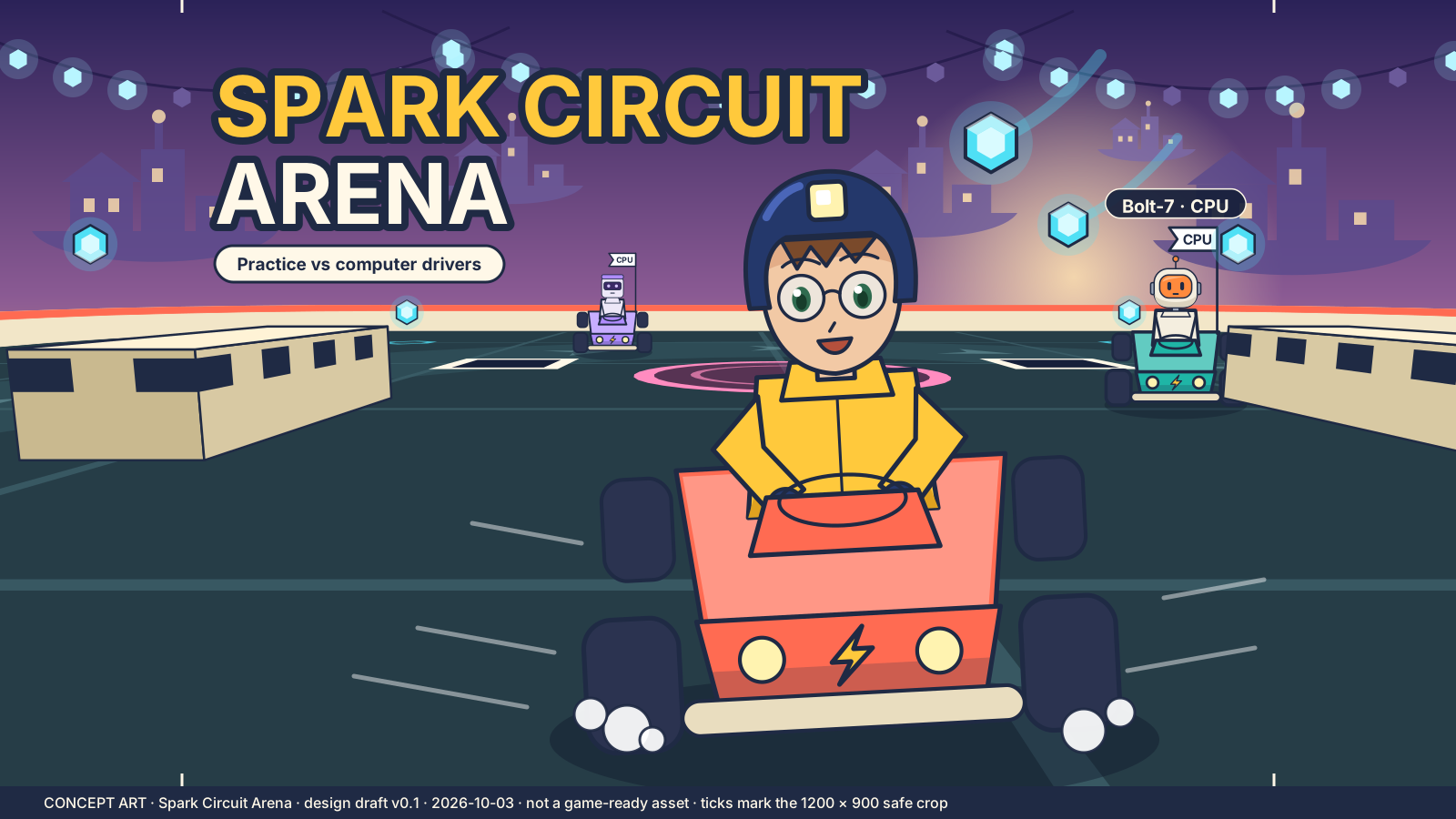
Kart practice against computer drivers: collect cells, bank them to score.
Spark Circuit Arena
- Keyboard
- Landscape
- Saves on this device
Concept art · The game loads when you press Play.
- Arena
- 3D
- vs CPU
How to play
Drive a compact electric kart, pick up energy cells and deposit them at a pad. Carried cells score nothing until banked. Six practice challenges against clearly labelled CPU drivers.
- Drive over a glowing cell to carry it (up to three).
- Stop inside a deposit ring for one second to bank what you carry.
- Pick up an item and use it to defend a delivery.
- Meet the banking target and any Pulse-knockout target before time runs out.
Controls
| Action | Keyboard | Mouse or touch |
|---|---|---|
| Accelerate / brake-reverse | W / S or ↑ / ↓ | Pedals |
| Steer | A / D or ← / → | Left / right pedals or stick |
| Use item | Space | Item button |
| Pause | P or Esc | Pause button |
Use P to pause or explicitly resume, M for sound, and F for optional fullscreen. Tab moves between buttons. Game keys work inside the player.
Devices and saving
- Input
- Keyboard and on-screen pedals or steering stick. Physical touch-device testing is still in progress.
- Orientation
- Landscape. Turn a portrait device sideways to play.
- Session
- 1–3 minute rounds.
- Graphics
- A current browser with hardware-accelerated WebGL 2. No plug-in or game-specific driver installation.
- Saves
- Challenge passes, separate Standard/Assist records and preferences are stored on this device. Reloading restarts an unfinished round. Clearing site data removes it; it does not move between devices.
- Compatibility
- Checked in a desktop Chromium browser. Physical phone, tablet and broader browser testing is still in progress.
If storage is blocked, the game remains playable and shows “Progress is temporary in this session.” More about saving.
If something goes wrong
Use Retry if a download fails. If graphics cannot start, the rules and controls on this page remain available. Leaving the player or switching tabs pauses local play. Read troubleshooting help.
For a quieter session, mute sound, enable reduced motion in Settings and pause or exit when you are finished. The game is loaded only after Play.
Credits and updates
An original DroidAU Games game. The poster is concept art, not a gameplay screenshot.
We are improving these games from play feedback. Progress and personal bests are saved only on this device.